if you get the below error when downloading a Dictation, please clear your cookies:
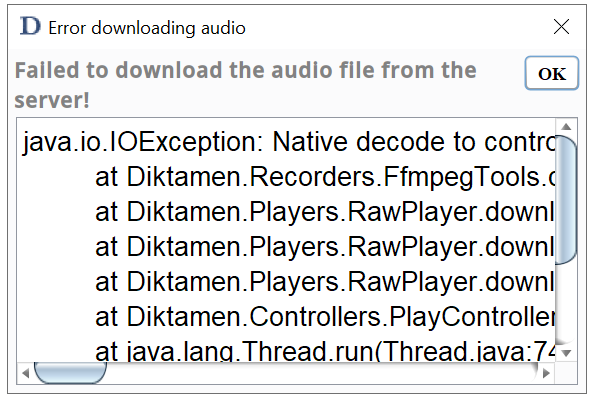
On the diktamen page click the padlock icon on the top bar then cookies and site data:
then click cookies:
then select the cookies in the list & remove them. Then click done and refresh the page it should then clear the error when you open the dictation again:
Was this article helpful?
That’s Great!
Thank you for your feedback
Sorry! We couldn't be helpful
Thank you for your feedback
Feedback sent
We appreciate your effort and will try to fix the article