Example error:
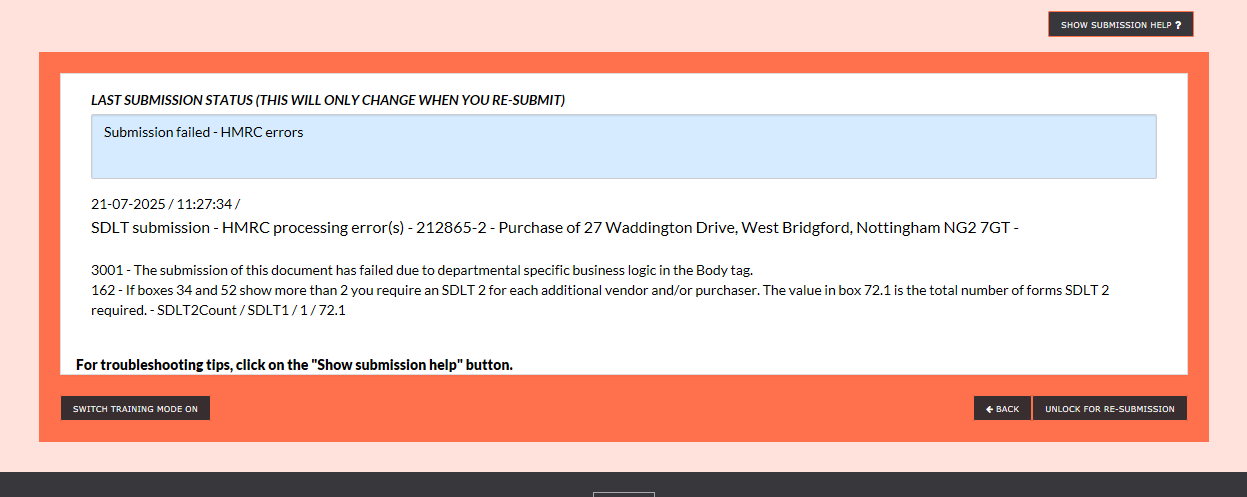
Solution:
I’ve sorted it for you, but if it happens again, this is what I do to get it to work – just make sure you have the additional persons details to hand before you start;
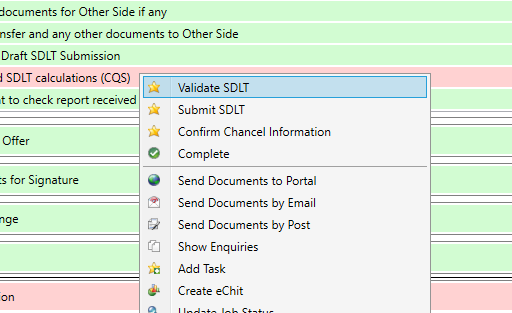
Go to Validate in ‘Section 10 Completion’
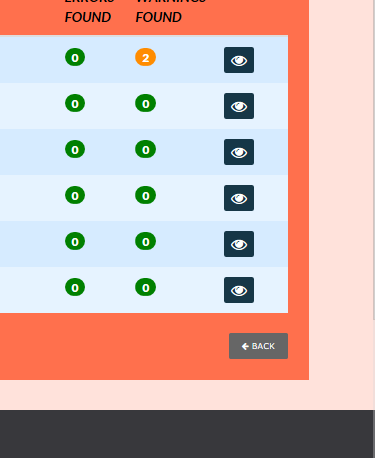
Click the Back button at the bottom of the window;
Select the ‘SDLT – Additional Vendors (SDLT2)’;
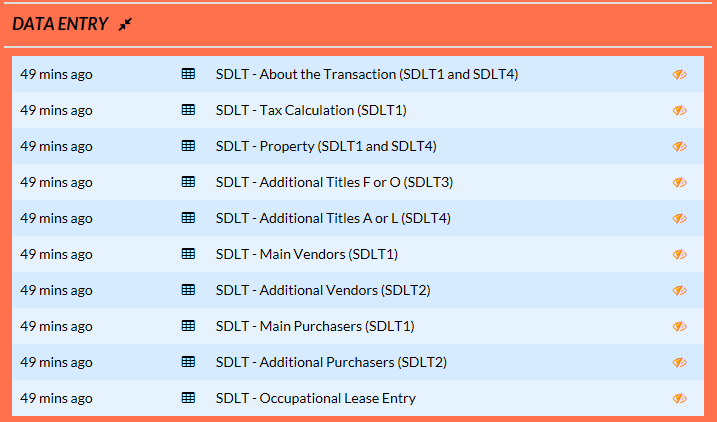
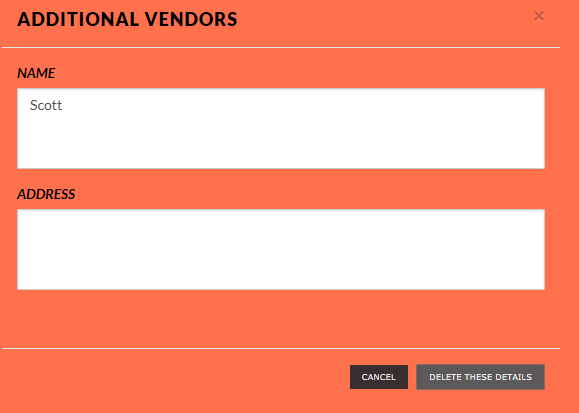
The details you entered will be there – select the dustbin icon to delete the details;
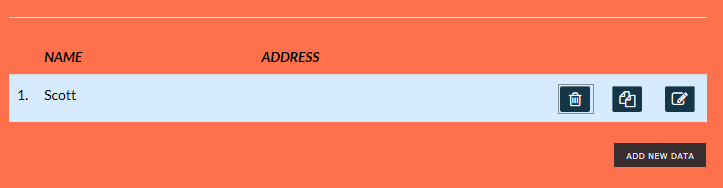
Select ‘Add New Data’
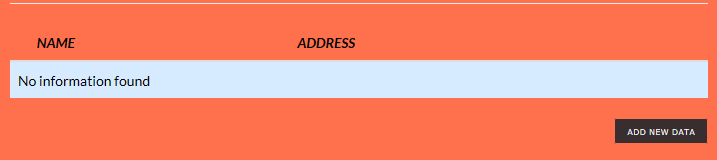
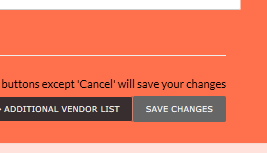
Enter the additional parties details then Save Changes;
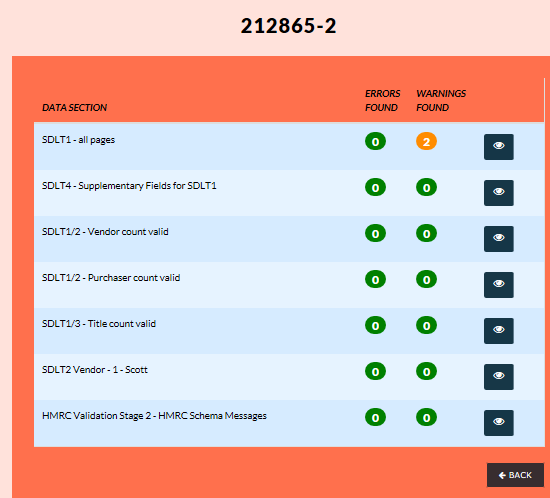
If you then go to Validate again – you should get something akin to the below with the additional party noted in the SDLT2 entry – close this window, go back to case plan and submit the return…..it should then work
Was this article helpful?
That’s Great!
Thank you for your feedback
Sorry! We couldn't be helpful
Thank you for your feedback
Feedback sent
We appreciate your effort and will try to fix the article