Go to the web app url - https://app.ringcentral.com/
Sign in with Single Sign-on if prompted just like the desktop app
Click the App install button in the top right corner next to the adress bar:
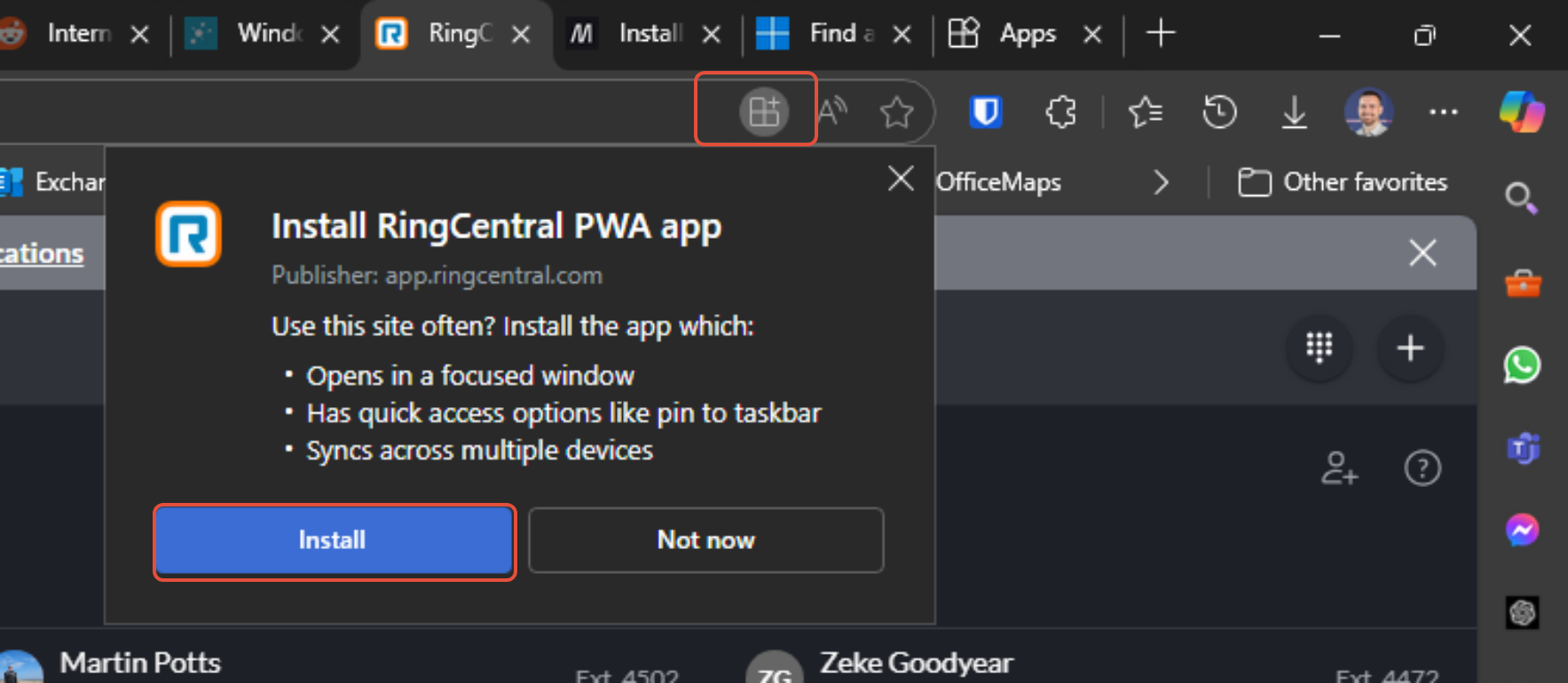
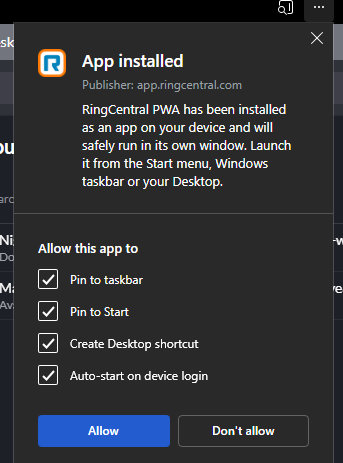
Then the web app is deployed just like the desktop app. Accept any prompts to enable notifications and enable all app options:
the appearance is very similar to the normal desktop app but it is using different technology in the background so it should be more reliable and less resource heavy:

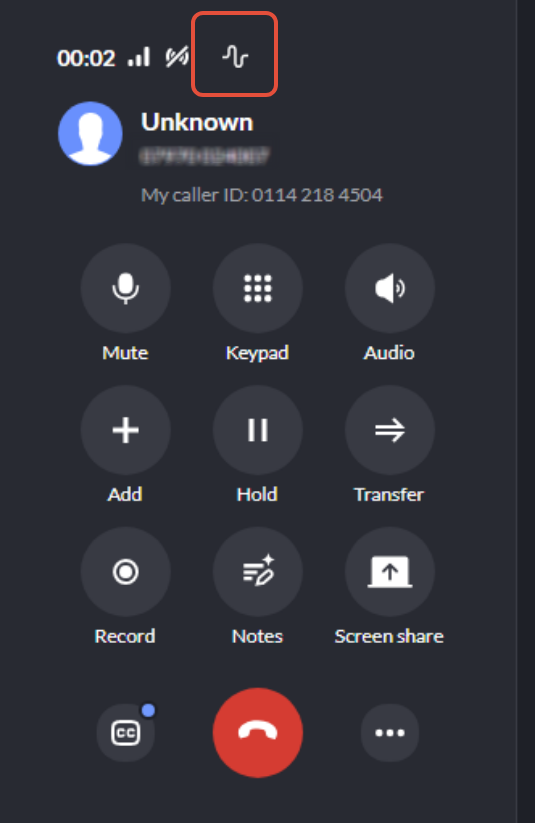
You should still see Optimisation Squiggle on a live call, please log a ticket if this is not present:
Was this article helpful?
That’s Great!
Thank you for your feedback
Sorry! We couldn't be helpful
Thank you for your feedback
Feedback sent
We appreciate your effort and will try to fix the article