To add/amend matter folders go into OMS admin kit > Matter Types
Choose any matter type it's only to get to the folder structure
then choose the Documents Folders from the right hand panel:
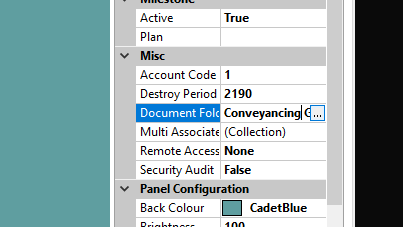
then you will see all the department folders, select the relevant template and amend the structure as requested.
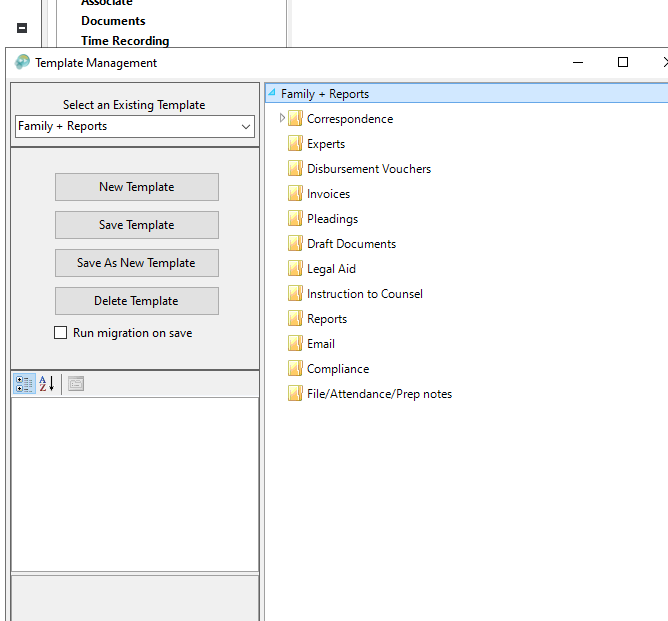
Just click Save Template to apply, this will only apply to new matters created from that point. You can then just close the matter types tab, don't save as you dont want to change the matter type only the folders templates which is saved on the previous step
Was this article helpful?
That’s Great!
Thank you for your feedback
Sorry! We couldn't be helpful
Thank you for your feedback
Feedback sent
We appreciate your effort and will try to fix the article